Returns Policy
Part of Writing a clear store returns process
Making return eligibility information easy to find
Place return eligibility details where Australian shoppers need them and keep change-of-mind terms distinct from product-problem rights.
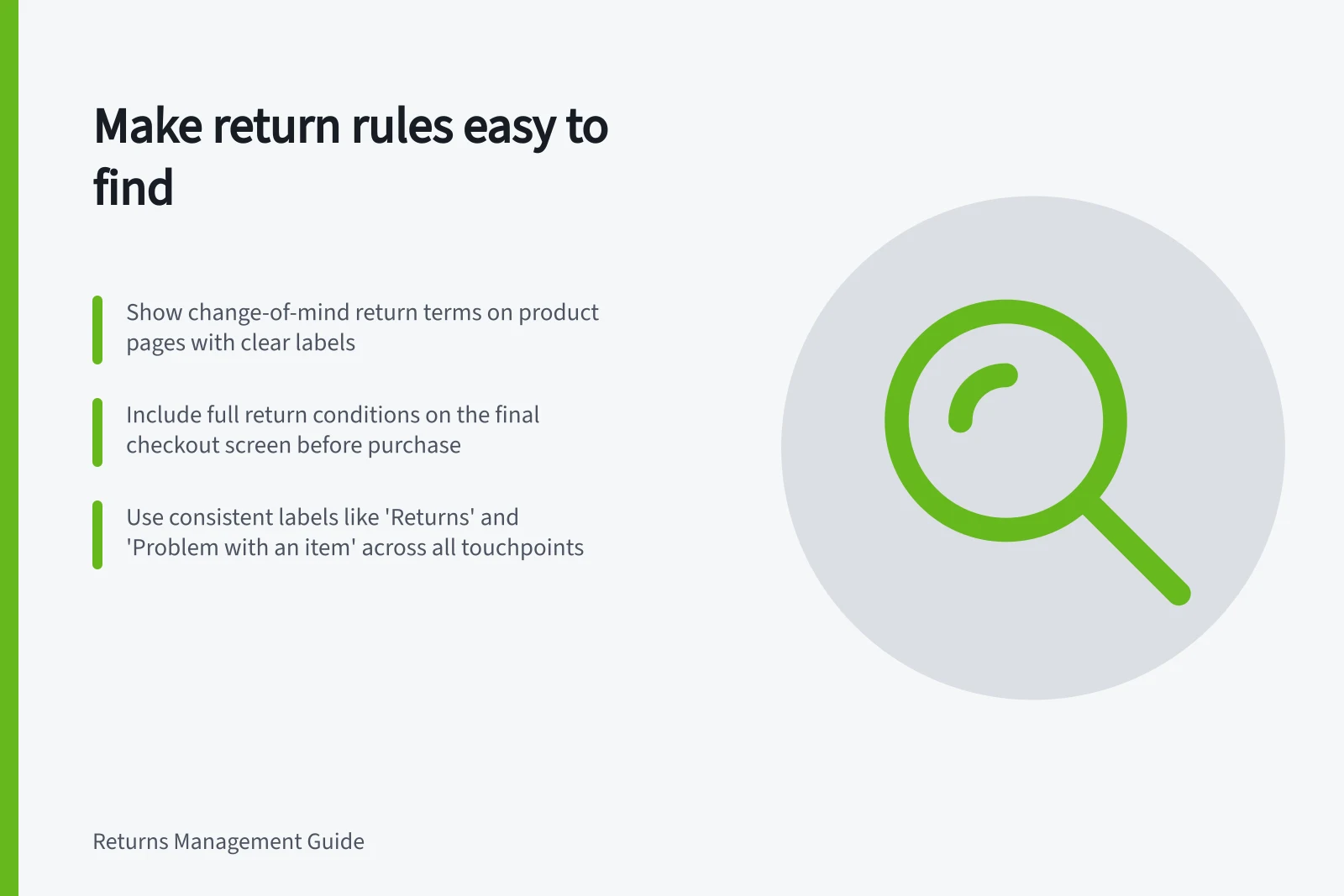
Show return conditions where customers are likely to need them: on the product page, before checkout is complete and when they start a return. Use the same plain labels in each place. A policy reachable only through a vague footer link can leave important conditions hard to find.
Show the short answer before purchase
On a product page, summarise the change-of-mind terms for that item: whether returns are offered, the period, any exclusion, the required condition and the outcome offered. If terms vary by product, show the relevant terms for the product being viewed. Make the full policy easy to reach from the summary.
Give product problems a separate, visible route on the product page too. The ACCC educates consumers about their rights and responsibilities under the consumer guarantees. Change-of-mind conditions should be labelled as their own route rather than as the whole of a store’s returns information.
At checkout, place the summary of material change-of-mind conditions on the final order review screen before the customer commits. In the order confirmation, provide a recognisable route back to the instructions.
Change-of-mind vs. Product Problem Returns: Key Differences
- Return Reason
- Customer changes mind
- Eligibility Basis
- Consumer guarantees (ACCC)
- Condition Required
- Unused, unopened, in original packaging
- Outcome Offered
- Refund or exchange
- Proof of Purchase
- Required (e.g., receipt, invoice, online order confirmation)
Use labels customers recognise
“Returns”, “Change of mind” and “Problem with an item” are clearer route labels than “Customer care” or “Terms”. Keep labels consistent across navigation, page headings, order emails and any return-request screen. A customer seeking help with a faulty item should not have to guess that it sits under “exchange eligibility”.
On a returns page, show the route choice and the first action before lengthy definitions or exclusions.
Information / Useful placement
- Whether a change-of-mind return is offered for an item
- Product page, with the full terms nearby
- How to raise a product problem
- Product page and returns page
- What information starts a request
- Returns page and order email
- Which transport instruction applies
- After the customer identifies the item and return route
Keep conditions with the right route
Put change-of-mind exclusions under a heading that names that route. Do not place “unused, unopened and in original packaging” above a shared contact form where it may appear to bar a customer from reporting a problem with an opened item.
The ACCC can investigate if a business misleads consumers about their rights.
Check each path to the answer
Check the route from a product page, checkout, order email, site menu and phone-sized screen. Look for the change-of-mind terms and the product-problem route separately. If a period, fee or exclusion differs between pages, resolve the conflict and update the copies together when the policy changes.
Steps to Request a Return: From Product Page to Confirmation
- View product pageCheck return eligibility and route for change-of-mind or problem with item
- Complete checkoutReview return terms on final order review screen
- Receive order confirmationFind clear link to return instructions in email
- Start return processSelect correct return type (change-of-mind or problem) and provide required proof
- Follow transport instructionsUse provided shipping details after identifying the return route