
Returns Policy
Part of Reducing avoidable returns
Clarifying product compatibility before purchase
Write checked model, connection and version limits so buyers can judge compatibility before ordering and retailers can assess reported mismatches.
Tell buyers which models or setups an item supports, what it needs to work, and which similar options are excluded once that exclusion has been checked. Verify the claim for the current product before publishing.
“Compatible with most models” gives buyers little basis for choosing and may promise more than the retailer can support.
Find the compatibility question
From reports such as “does not fit my device” or “the app will not recognise it”, record the item sold, the buyer’s host model and relevant version, and what failed. Check the ordered variant against the supplied item first. A wrong item sent by the warehouse calls for a different correction from an inaccurate compatibility claim.
Consider physical fit, connection or electrical requirements, and software support only where each applies. A connector shape alone may not establish functional support. Do not infer compatibility from an appearance match.
For warranty or remedy classification, see S033-P01-S02.
ACCC Compliance and Consumer Complaints
- Consumer complaints about incompatibility
- Reported via ACCC's consumer portal
- ACCC enforcement power
- Can require businesses to back up claims
- Common issue: mismatched product sent
- Requires different remedy than inaccurate claim
Write a bounded claim
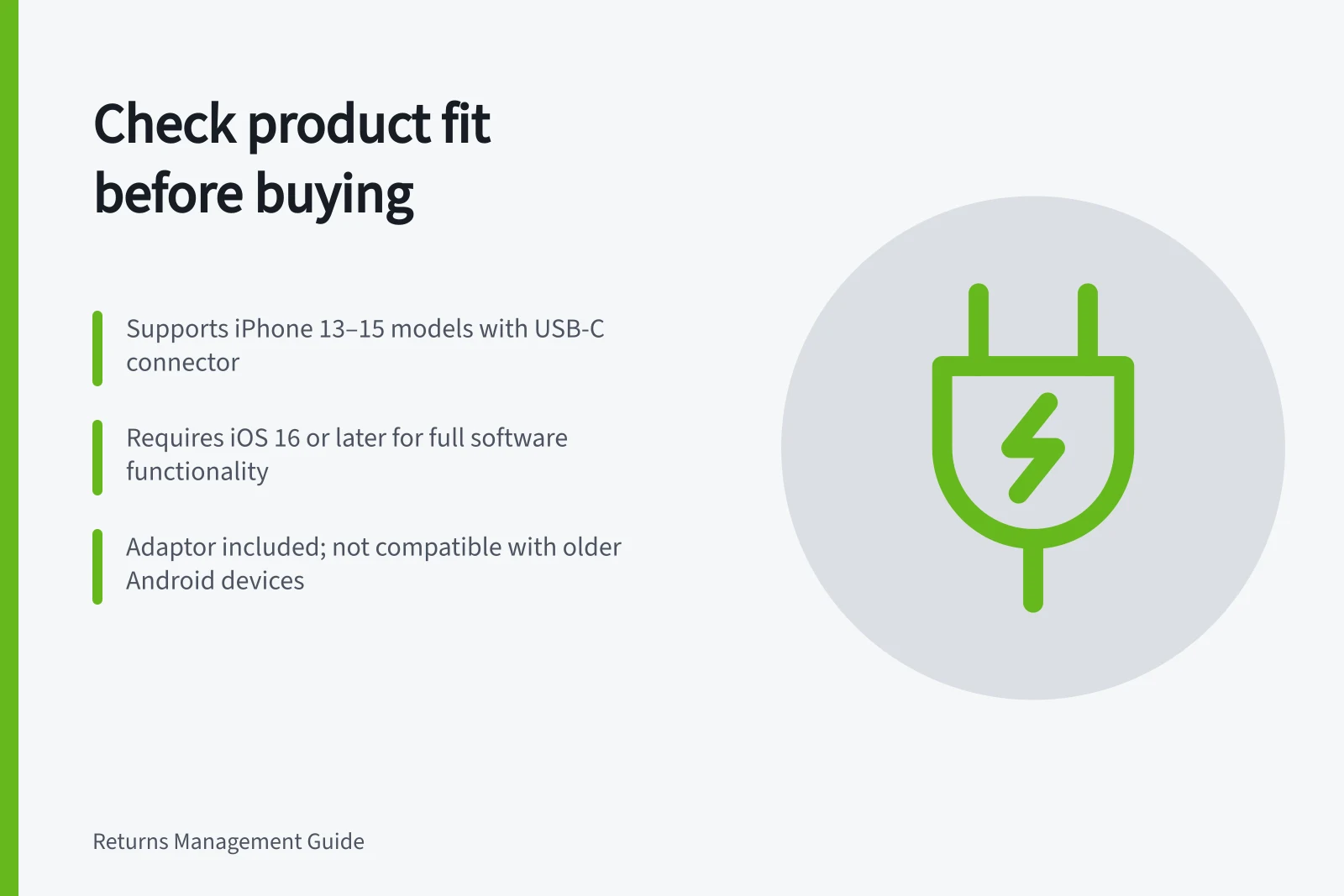
Use model identifiers buyers can find on their existing product. State the supported models and any required connector, software version, region or adaptor that has been verified. Say whether a required adaptor is included.
Avoid “universal” where support has material limits. Keep the product identifier, manufacturer specification or other reliable basis, relevant revision and person responsible for each claim.
Customer comments can suggest combinations to investigate; they are not a tested specification. Where manufacturer information conflicts with the item supplied, withhold that particular claim until it is resolved.
If updates or production revisions can change support, assign a review trigger. This is a maintenance practice; it is not a claim that compatibility changes on any fixed schedule.
Make the answer usable before purchase
Put the compatibility statement beside the selected variant and purchase action. Explain where to find the host model identifier in plain language. Provide a way to ask about a model that is not listed. “Not listed” means this guide has not confirmed support; it does not by itself mean the combination cannot work.
Check at phone width that the supported models and limits remain visible together. A prominent “Works with X” heading should not be materially narrowed by a hard-to-find qualification. The ACCC can require businesses to back up product or service claims and may investigate if a business misleads.
For an existing buyer, compare the claim available at purchase with the supplied item and reported setup. Request details needed for assessment without asking the customer to diagnose the failure. Correct an inaccurate page and assess affected claims through the appropriate customer route.
For prevention, review later complaints about the exact compatibility limit that changed and show the relevant units supplied. Fewer complaints alone cannot establish that the clarification caused an improvement.