Refund Operations
Part of Refund processing operations
Investigating a refund marked processed but not received
“Processed” can describe the merchant or provider step, while the customer's bank has not yet posted the credit.
“Processed” may mean the merchant or payment provider has completed its step while the bank has not posted the credit. Start by checking the provider’s transaction record and status before arranging any further resolution.
Check the payment timeline
Review the provider’s transaction record and confirm the refund amount, date and status. Ask whether it is pending, failed or processed, and what posting timeframe the provider expects; if that timeframe has passed or the status is unclear, ask the provider to investigate.
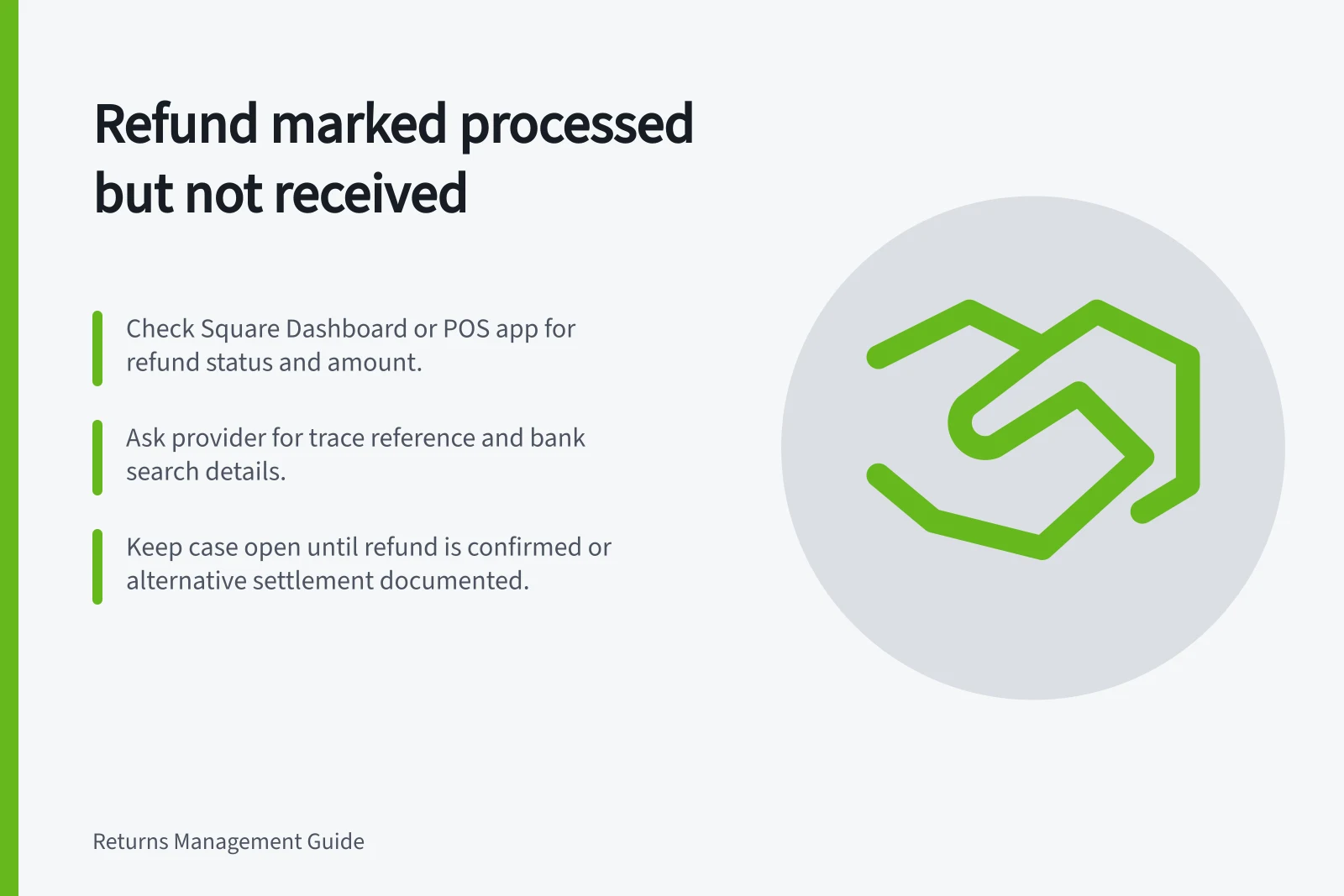
For a Square payment, check the transaction in Square Dashboard or the point of sale app. Square says a refund cannot be cancelled, so do not issue another just because the credit is not visible.
A refund to a closed card may still be routed by the issuer, or it may fail. Ask the provider to confirm the refund’s status before offering another form of resolution.
Refund Processing Timeline: From Merchant to Customer Bank
- Refund initiated by merchant
- Merchant processes refund in system (e.g., Square, Shopify)
- Provider confirms 'processed' status
- Payment provider records refund as processed; may still be pending bank posting
- Credit appears in customer’s account
- Customer receives refund if successful; otherwise, investigation required
Give a traceable answer
Ask the provider whether it can supply a trace reference and what reference the customer’s bank needs to search for the credit. Give the customer the confirmed amount, original payment method, date, status and any reference through an appropriate support channel.
If the provider’s expected timeframe has passed, or the status is unclear, contact the provider and ask it to investigate. If the provider confirms the refund was processed but the credit is still absent, ask the customer to contact their bank with the refund details and trace reference.
Keep the case open until the refund is located or a documented alternative settlement is made. Do not issue a second refund merely because the first is not yet visible.
If the complaint is about a financial firm, first try to resolve it directly with the firm; AFCA handles eligible consumer and small-business disputes. The ePayments Code is voluntary, administered by ASIC, and covers electronic payments including credit and debit card transactions.
Steps to Investigate a Refund Marked Processed but Not Received
- Confirm refund status in provider dashboardCheck Square Dashboard or Shopify admin for refund details and status
- Request trace reference from providerAsk provider for a unique transaction ID for bank tracing
- Provide customer with full detailsShare amount, original payment method, date, status, and trace reference
- Advise customer to contact their bankIf refund is not visible after expected timeframe, instruct customer to search using trace reference
- Keep case open until resolvedDo not issue duplicate refunds; document alternative settlement if needed