Returns Portals
Part of Returns programme improvement
Comparing returns software after a process review
Turn process-audit findings into a software brief and compare Shopify, AfterShip and Loop against actual gaps and plan limits.
Compare returns software against the failures found in the retailer's process review. First decide which failures software can address. A portal cannot, on its own, assign an unclear decision owner or identify a parcel the warehouse has not matched to a case. For gaps software can solve, assess each candidate's proposed plan and integration.
Turn findings into a buying brief
For each audit finding, name the affected user, required action and evidence of completion. A customer must be able to describe a fault after the voluntary change-of-mind window, and staff must receive that description for assessment. Compare the full route: customer entry, exception handling, staff decision, exchange or refund action, transport instructions and reporting.
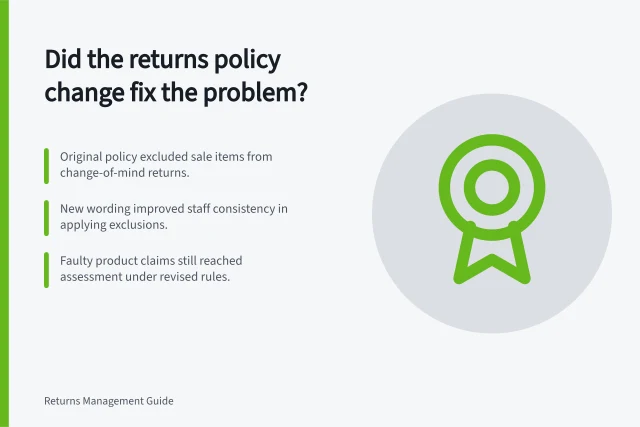
Include a test case for a reported product problem outside the retailer's voluntary change-of-mind window. Verify that staff can assess the report rather than having an automatic eligibility rule close it.
Compare documented options against the gaps
| Option | Reason to examine it after an audit | Limit or hand-off to verify |
|---|---|---|
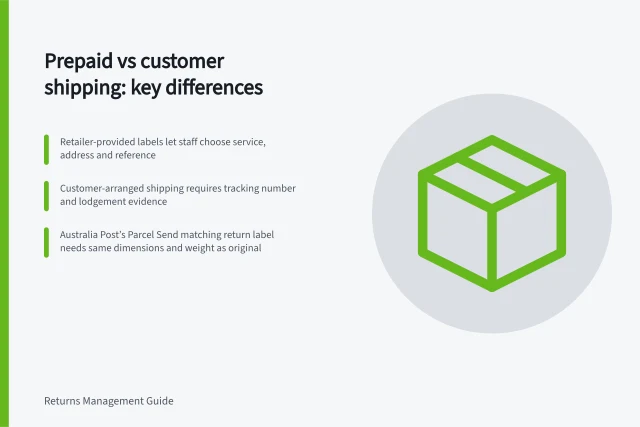
| Shopify self-serve returns | An existing Shopify store needs order-linked requests that staff can review; staff can add exchange items when approving a return. | Shopify's direct admin return-label creation requires a US primary location and US customer shipping address. Staff can upload an existing label. For an Australian merchant, establish who supplies the label and how the customer receives instructions. |
| AfterShip Returns | The audit finds weak intake or routing; its documentation describes eligibility rules and main and sub-reasons with configurable comments and images. | Availability of eligibility conditions varies by connected platform. Confirm the required settings and Australian carrier arrangement. |
| Loop Returns | Exchange timing is a material failure; Loop documents an Instant Exchanges option and return-policy settings. | Confirm plan entitlement and payment/authorisation setup. Customers provide card details for a temporary hold on the total value of the returning item or items. The hold lasts 7 days, then drops. If the item is not marked in transit within the configured return window, the card is charged. |
Comparing Returns Software Against Audit Gaps
- Shopify Self-Serve ReturnsOrder-linked requests; staff can approve exchanges. Requires US location for direct label creation. Australian merchants must arrange label supply and customer instructions.
- AfterShip ReturnsConfigurable eligibility rules, reason libraries with comments and images. Eligibility conditions vary by platform; confirm Australian carrier integration.
Key Features and Limitations by Provider
- Eligibility RulesAfterShip: configurable; Shopify: limited to policy settings; Loop: based on return window and exchange timing
- Exchange SupportShopify: yes (staff add items); Loop: Instant Exchanges; AfterShip: depends on integrations
- Australian Carrier SupportConfirm availability with each provider; AfterShip and Loop require verification
Make the selection decision
Give each provider the same representative order and return cases, including a multi-item request, a reported fault outside the voluntary period and the retailer's Australian transport route. Ask to see the customer screen, staff record, exceptions and final order state. Mark each requirement as shown in the proposed configuration, documented but not shown or requires another arrangement. Record setup work and contract terms from the actual proposal.
Choose a tool only when the retailer can explain how its difficult cases will be completed, including work outside the software. If the audit's main failure is ownership or warehouse matching, assign that process fix directly rather than treating a portal purchase as the remedy.
Implementing Software After a Process Review
- Prepare test casesInclude multi-item returns, faults outside change-of-mind window, and Australian transport routes.
- Request live demosView customer screen, staff record, exceptions, and final order state for each provider.
- Assess configurationMark each requirement as shown, documented but not shown, or requires another arrangement.
- Finalise selectionChoose only if the retailer can explain how difficult cases will be handled, including non-software tasks.